Chrome Developer Tools: View POST Data
web scraping
How to view the content of a POST request using Chrome Developers Tools. This is useful for understanding what information is being sent to the server.
When figuring out how to formulate the contents of a POST request it’s often useful to see the “typical” fields submitted directly from a web form.
- Open Developer Tools in Chrome. Select the
Networktab (at the top). - Submit the form. Watch the magic happening in the Developer Tools console.
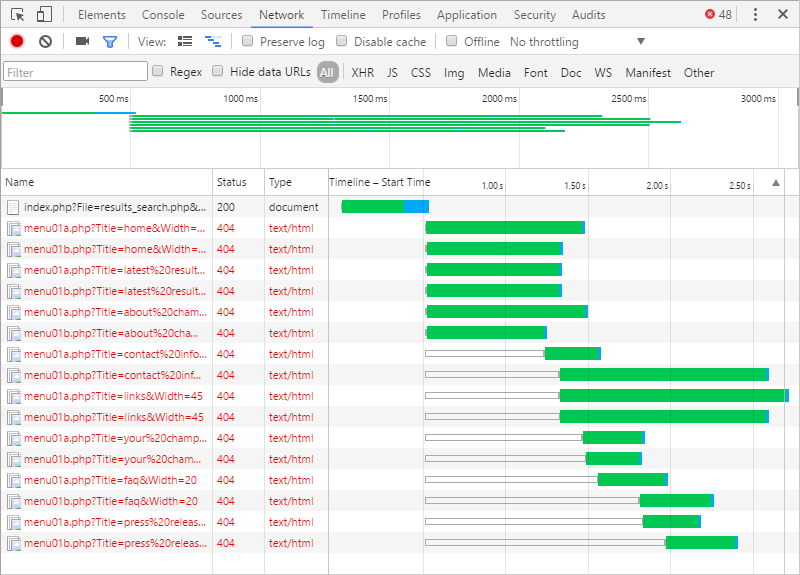
- Click on the first document listed in the Developer Tools console, then select the
Headerstab.
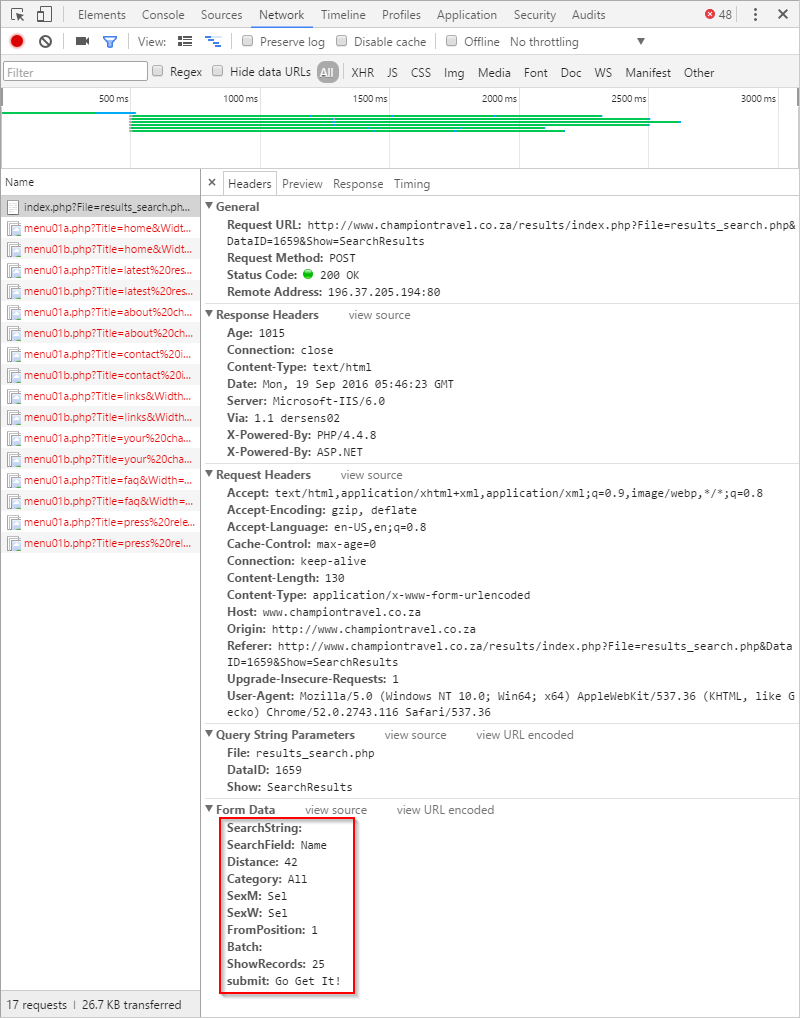
That’s just scratching the surface of the wealth of information available on the Network tab. Read these to find out more: